Conversion Rate Optimization: How to Get More Website Leads
A practical conversion rate optimization guide: calculate your conversion rate, find leaks, apply quick wins and A/B test to get more leads from your website.
By Scalixo Team · · 6 min read
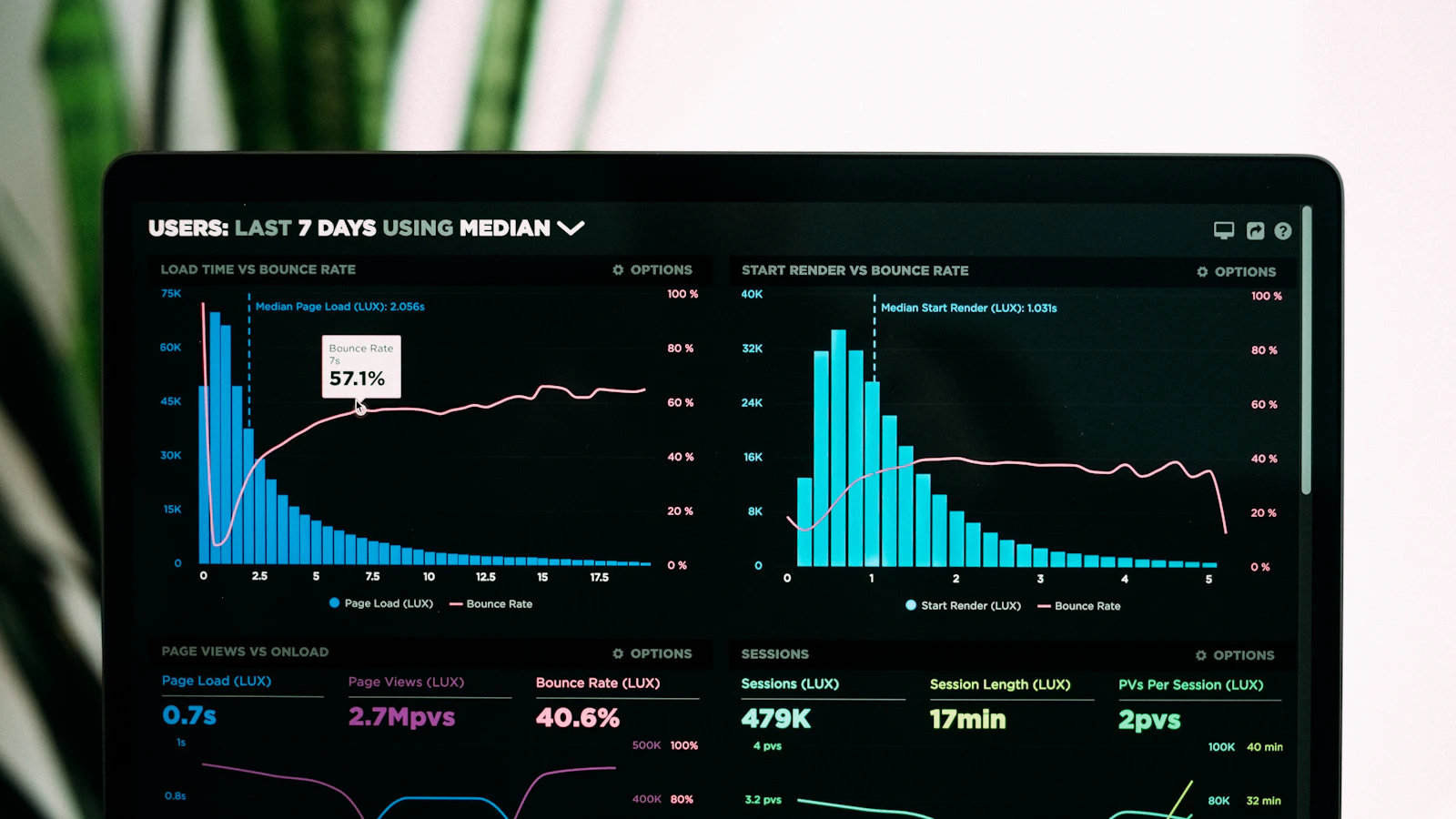
Most businesses try to get more leads by buying more traffic. But if your website converts poorly, more traffic just means paying for more people to leave.
Conversion rate optimization flips the question. Instead of "How do we get more visitors?", it asks "How do we get more of our existing visitors to enquire?" This guide explains how to measure your conversion rate, find where you are losing leads, and fix it step by step.
What is conversion rate optimization?
Conversion rate optimization (CRO) is the process of improving your website so a larger share of visitors take the action you want, such as submitting a form, calling or messaging you.
A conversion is whatever counts as success for your business. For a service company, it might be a quote request. For an online store, a purchase. You can also track smaller steps, called micro-conversions, like clicking a WhatsApp button or downloading a brochure.
How do you calculate conversion rate?
The formula is simple:
Conversion rate = (conversions ÷ visitors) × 100
For example, if 2,000 people visit your website in a month and 40 submit an enquiry, your conversion rate is (40 ÷ 2,000) × 100 = 2%.
Calculate it per page and per traffic source, not just for the whole site. Your Google Ads landing page, your blog and your homepage will behave very differently, and an average hides where the real problems are.
Why CRO matters for small businesses
CRO makes every other marketing channel work harder. If you double your conversion rate, you double your leads from the same traffic and the same ad spend. That also lowers your cost per lead, which means you can afford to bid more competitively on ads or invest more in content.
How to find where your website leaks leads
Before changing anything, find out where visitors drop off. Guessing leads to redesigns that look different but perform the same.
| Tool or method | What it shows | Examples |
|---|---|---|
| Web analytics | Traffic sources, top pages, exit pages, conversions | Google Analytics 4 |
| Heatmaps | Where people click, move and how far they scroll | Microsoft Clarity, Hotjar |
| Session recordings | Real visits replayed, showing confusion and friction | Microsoft Clarity, Hotjar |
| Funnel reports | The step where most people abandon a process | GA4 funnel exploration |
| Customer feedback | What visitors were looking for and what stopped them | Short on-site surveys, sales calls |
What to look for
- High-traffic pages with few conversions. These offer the biggest opportunity.
- Pages where people leave quickly. The message may not match what they expected.
- Forms that people start but do not finish. Too many fields or confusing questions.
- Rage clicks on elements that look clickable but are not.
- Visitors who never scroll to your call to action.
Quick wins that often lift conversions
These fixes are common, low-risk and usually worth doing before any formal testing.
Write a clear headline
Your headline should say what you do, who it is for and why it matters within a few seconds. Replace vague slogans with specific outcomes.
Make calls to action obvious
Use one primary call to action (CTA) per page, in a contrasting color, with action-focused text such as "Get my free quote" rather than "Submit". Repeat it further down long pages.
Shorten your forms
Every extra field adds friction. Ask only for what you need to follow up, often a name, phone number and a short message. You can collect more detail on the first call.
Add trust signals
Visitors need reasons to believe you. Add genuine reviews, client logos, certifications, case studies, real photos of your team and work, and clear contact details including a physical address.
Improve page speed
Slow pages lose visitors before they see your offer. Compress images, remove unnecessary scripts and use good hosting. Our website speed optimization guide covers this in depth.
Design for mobile first
Most visitors browse on phones. Check that text is readable, buttons are easy to tap, forms work smoothly and click-to-call and WhatsApp buttons are easy to find.
For a full checklist, see the 7 elements of a high-converting business website.
A/B testing basics
An A/B test shows two versions of a page, or one element on it, to different visitors at the same time and compares which converts better.
- Test one change at a time, such as a headline or CTA, so you know what caused the difference.
- Run both versions at the same time, so seasonality and campaigns affect them equally.
- Decide your success metric before you start.
- Run the test long enough, ideally covering full weeks to include weekday and weekend behavior.
A caution about sample size
A/B tests need enough traffic and conversions to give a reliable answer. With small numbers, random variation can make one version look like a winner when it is not. If your site gets limited traffic, focus on clear, research-backed improvements and before-and-after comparisons, and save formal A/B tests for your highest-traffic pages. Use a sample size calculator before you start, and avoid stopping a test the moment one version pulls ahead.
A simple CRO process
- Measure. Set up conversion tracking and record your current conversion rate per page.
- Research. Use analytics, heatmaps, recordings and customer feedback to find problems.
- Prioritize. Rank ideas by likely impact, confidence and effort. Start with high-traffic pages.
- Change or test. Make quick fixes directly, and A/B test bigger or uncertain changes.
- Review. Compare results, keep what works and record what you learned.
- Repeat. CRO is an ongoing habit, not a one-time project.
Common CRO mistakes
- Copying competitors without knowing whether their pages actually convert.
- Redesigning everything at once, so you cannot tell what helped or hurt.
- Ending tests too early or trusting results from tiny samples.
- Only tracking form fills and ignoring calls and WhatsApp enquiries.
- Optimizing for volume alone. More leads are not better if quality drops.
- Ignoring follow-up. A converted lead still needs a fast response to become a customer.
Key takeaways
- Conversion rate is conversions divided by visitors, multiplied by 100. Track it per page and per source.
- Find leaks with analytics, heatmaps and session recordings before changing anything.
- Start with quick wins: clear headlines, obvious CTAs, short forms, trust signals, speed and mobile.
- Test one change at a time, and be careful with small sample sizes.
Want to know where your website is losing leads? Get a free growth audit or book a strategy call to review your site together.
Frequently Asked Questions
What is a good website conversion rate?
It depends on your industry, traffic source, offer and what you count as a conversion, so there is no universal benchmark. The most useful comparison is your own conversion rate over time, page by page.
How long does conversion rate optimization take?
Quick fixes like clearer headlines, shorter forms and better CTAs can be done in days. Formal A/B tests take longer because they need enough traffic and conversions to give a reliable result.
Do I need a lot of traffic for CRO?
You need significant traffic for reliable A/B testing, but not for CRO in general. Smaller websites can still improve by fixing obvious problems found through analytics, session recordings and customer feedback.
What tools do I need to start CRO?
Google Analytics 4 for conversions and traffic, plus a heatmap and session recording tool such as Microsoft Clarity, are enough to start. Add an A/B testing tool once you have the traffic to use it.
Is CRO better than getting more traffic?
They work best together. CRO makes every visitor more valuable, so improving it first means any money you later spend on SEO or ads produces more leads.